ShaderRender
A shader and 3D lab for building real-time Three.js experiences.
ShaderRender started with a frustration. Every time I wanted interactive 3D in a brand project, I had two options: learn GLSL from scratch or hand the idea to a developer and hope it survived. I wanted a third option, so I built it.
I designed and built ShaderRender end to end: the scene model, the editor, the shader system, the animation tools, the AI layer and the export paths. It was called DESSA before, but I changed the name to ShaderRender because of trademark concerns.
One scene
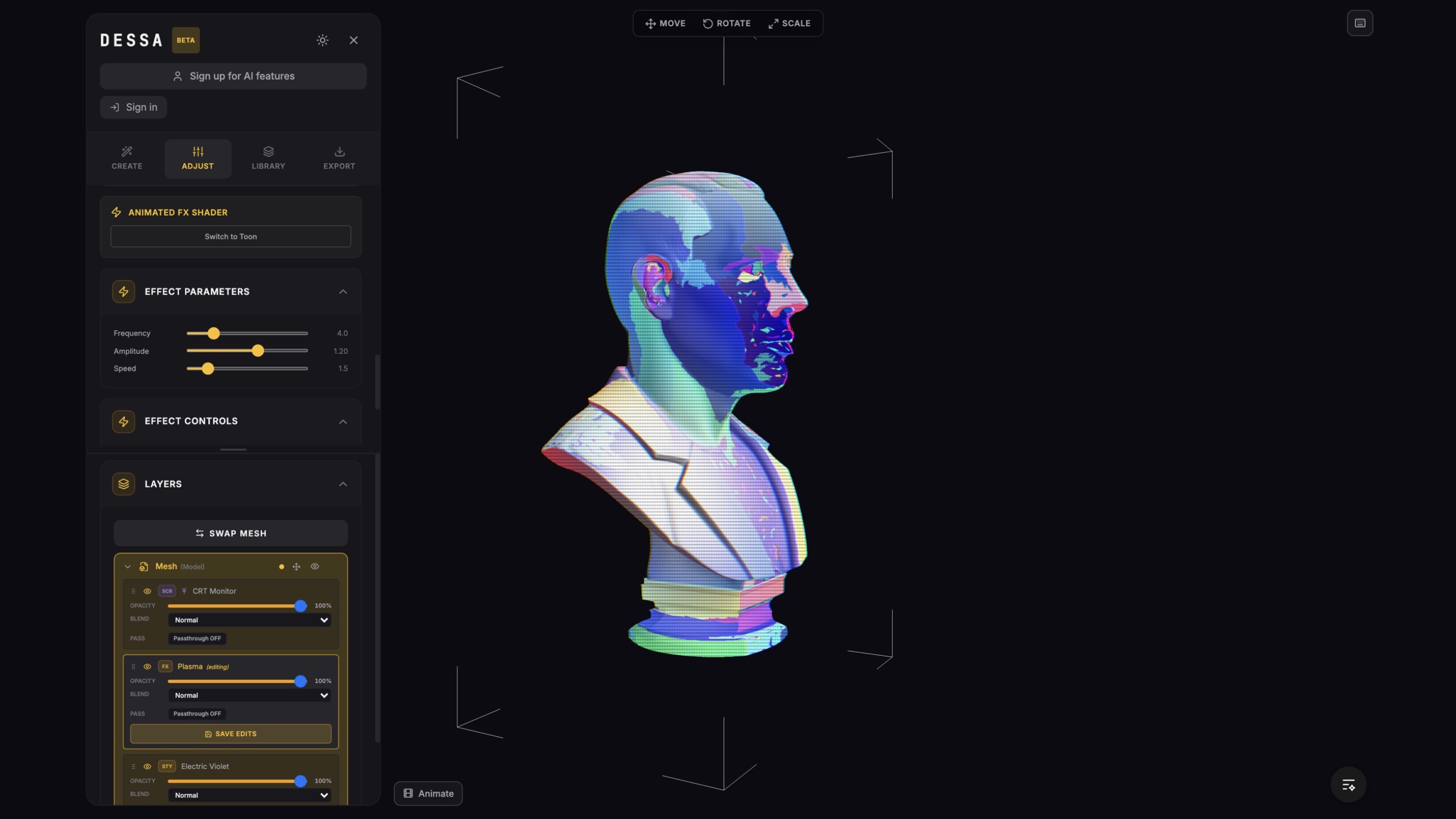
In most 3D workflows, the model lives in one tool, the shader in another, the animation in a third, and then someone rebuilds it all for the web. I wanted one place. ShaderRender keeps everything in one live Three.js scene, so what I see in the editor is what the browser renders.
A scene holds meshes, cameras, lights, paths and an environment. Every mesh keeps its own geometry or imported GLB, its transform, its shader stack and its animation. The demo at the top of this page runs the real editor interface.
Shader system
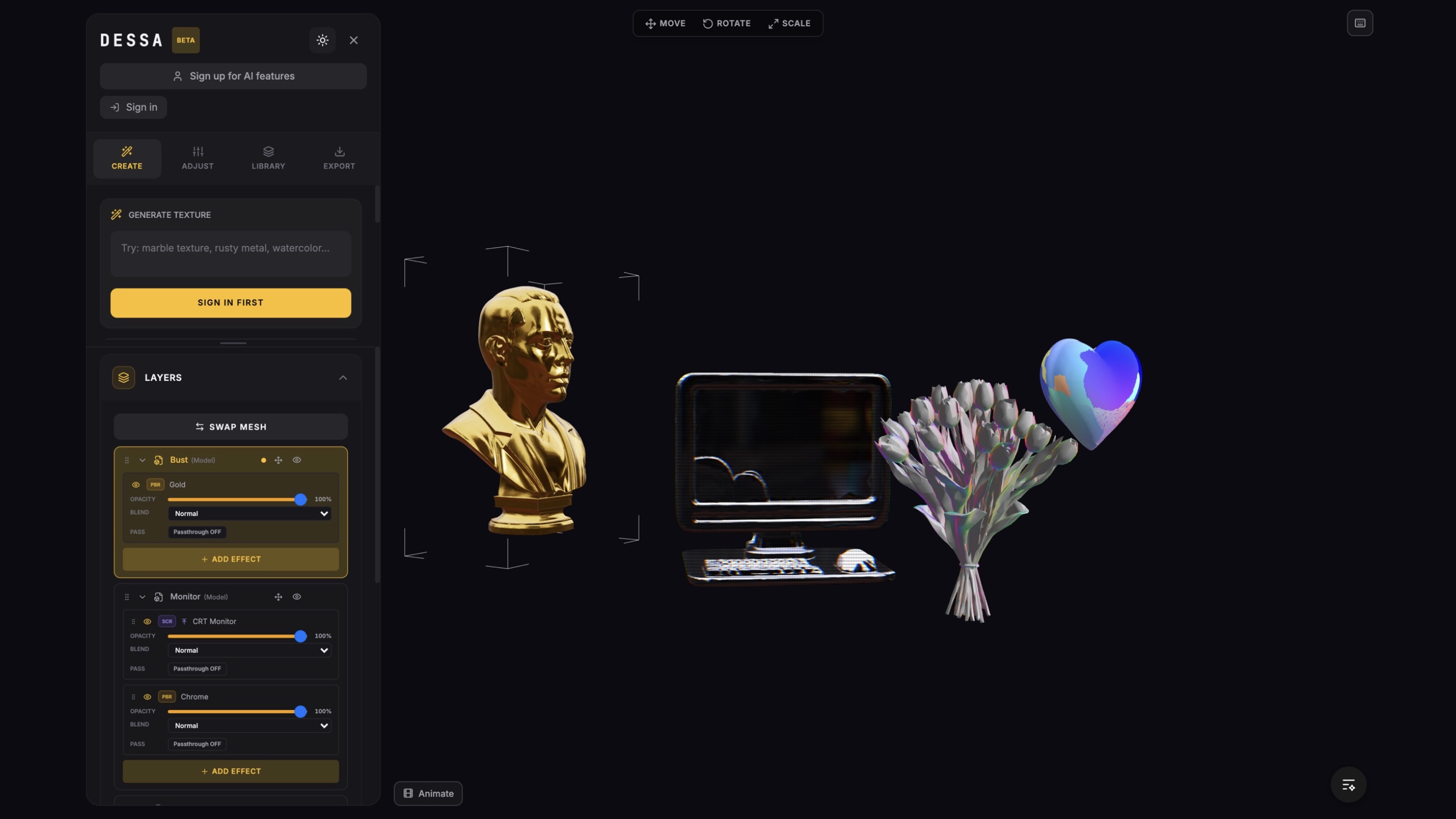
I split the renderer into four shader families, because designers think in looks, not in code:
- Stylized for toon lighting, outlines and patterns.
- Physical for roughness, metalness, transmission and real materials.
- Mathematical for procedural motion driven by time and custom uniforms.
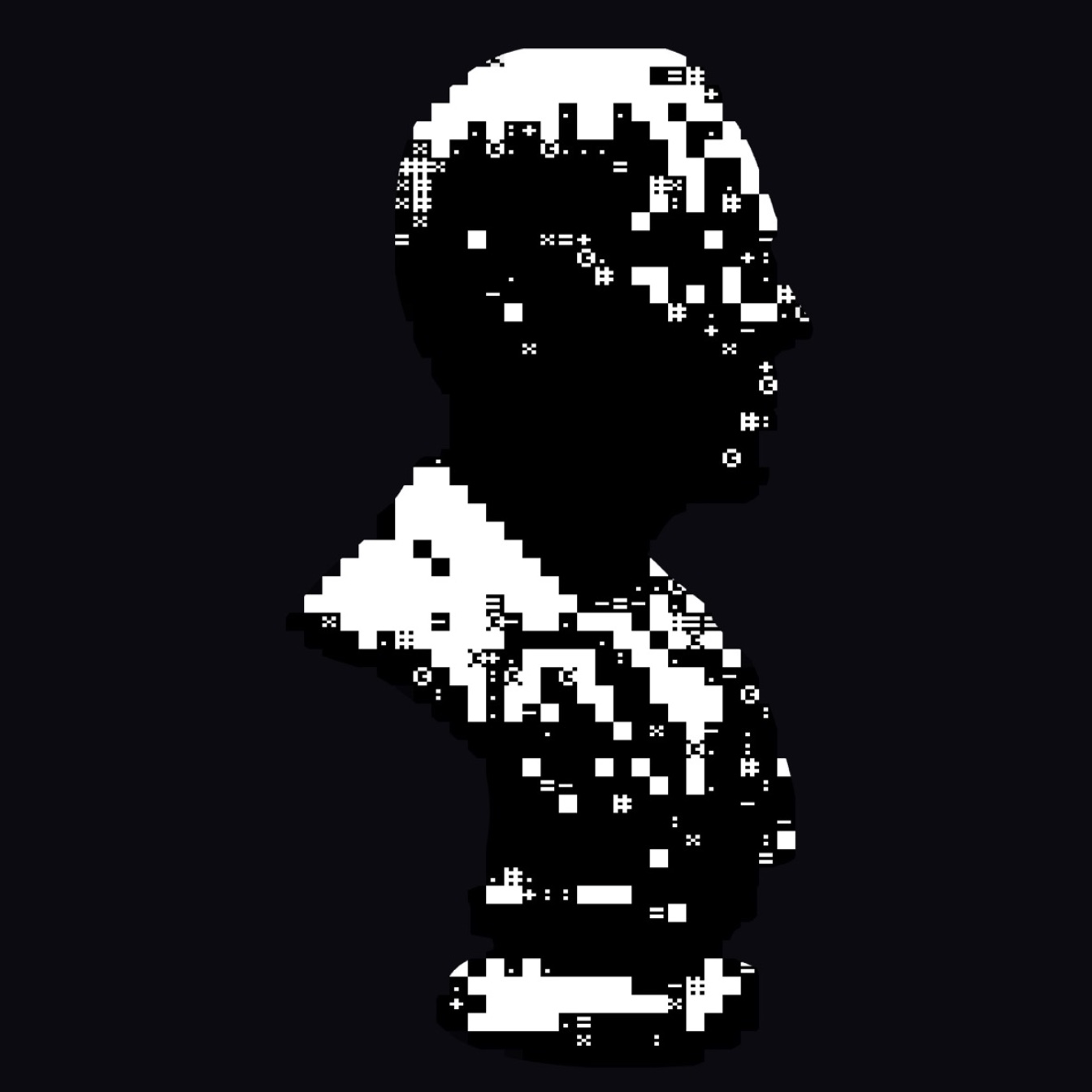
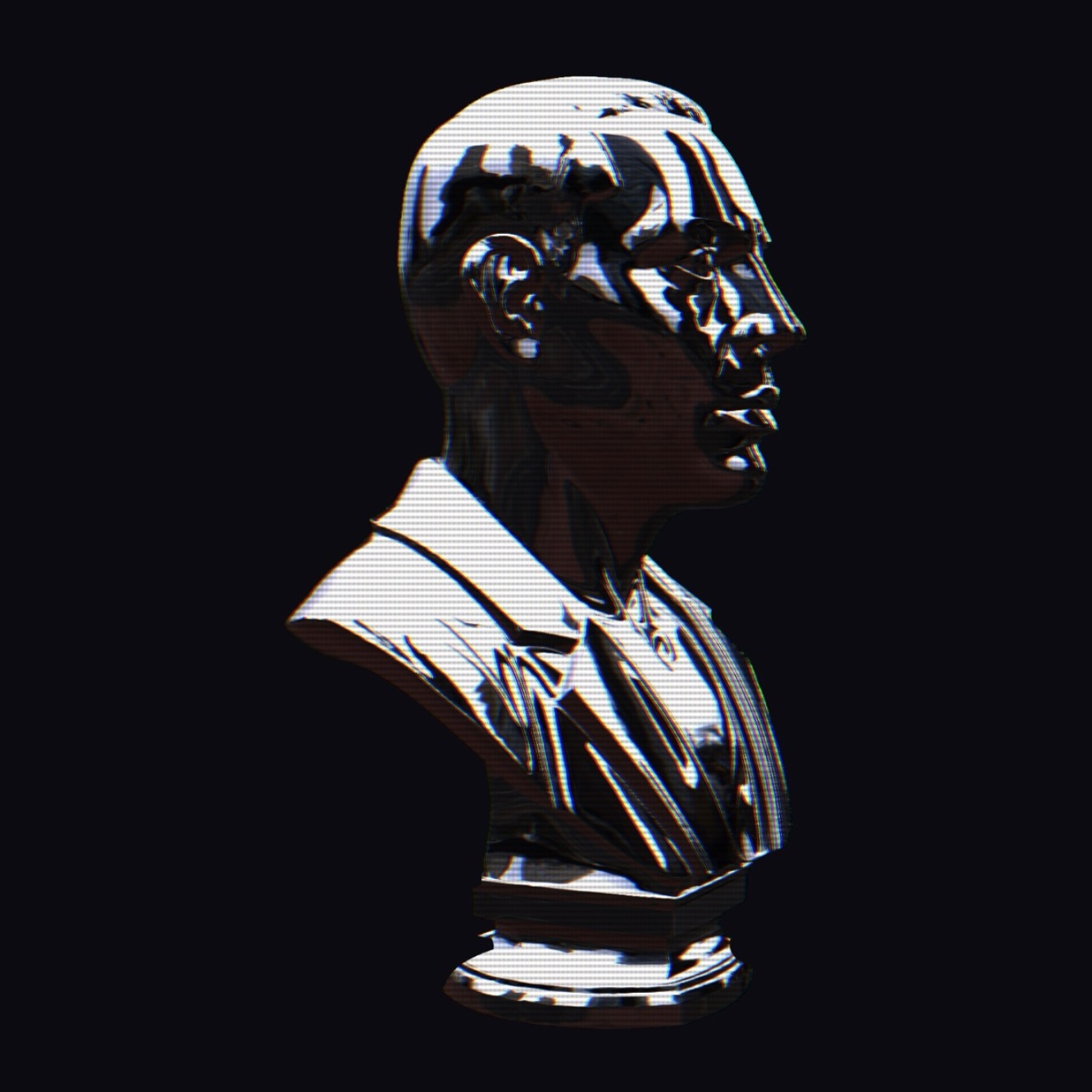
- Screen for ASCII, halftone, CRT, dither and other effects on the final frame.
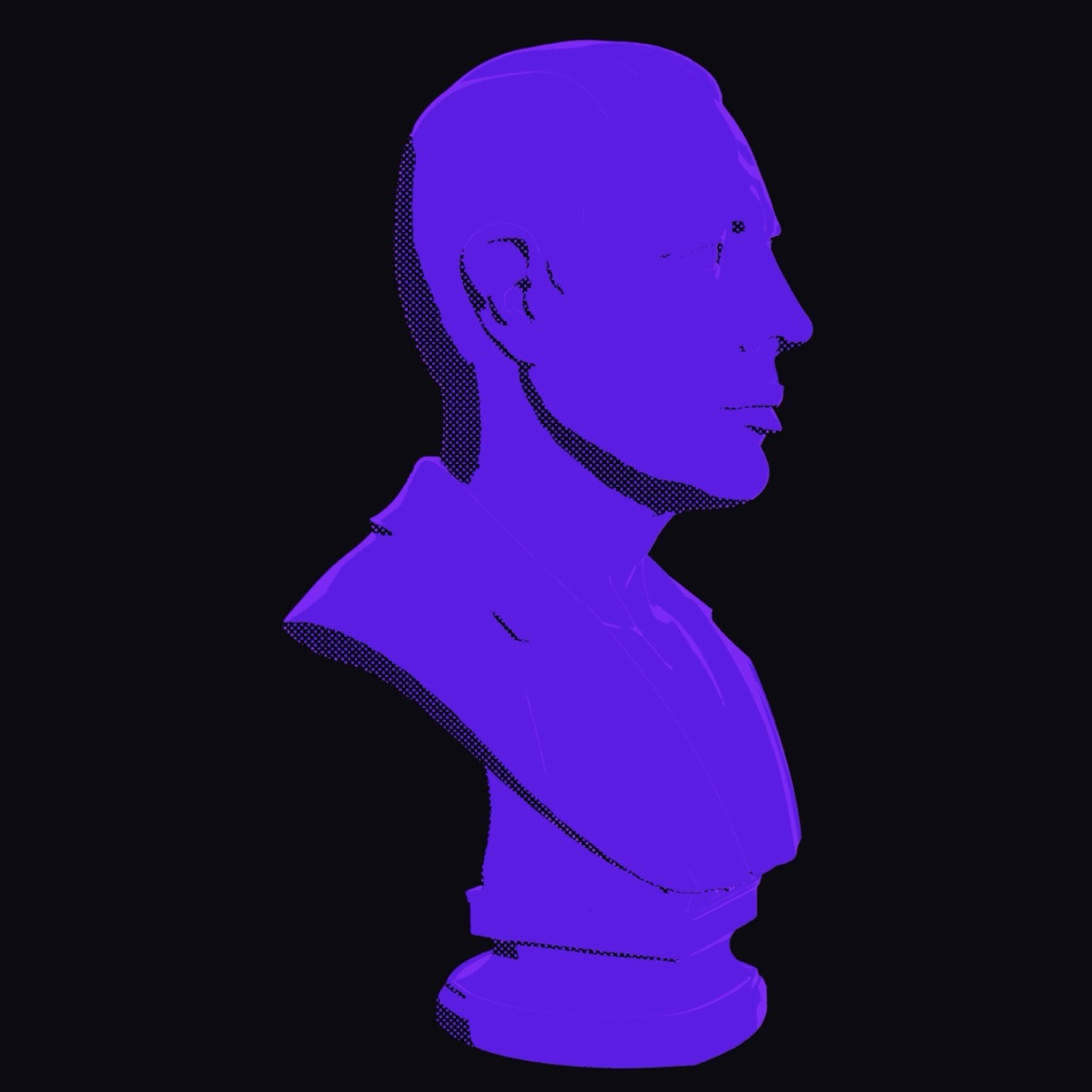

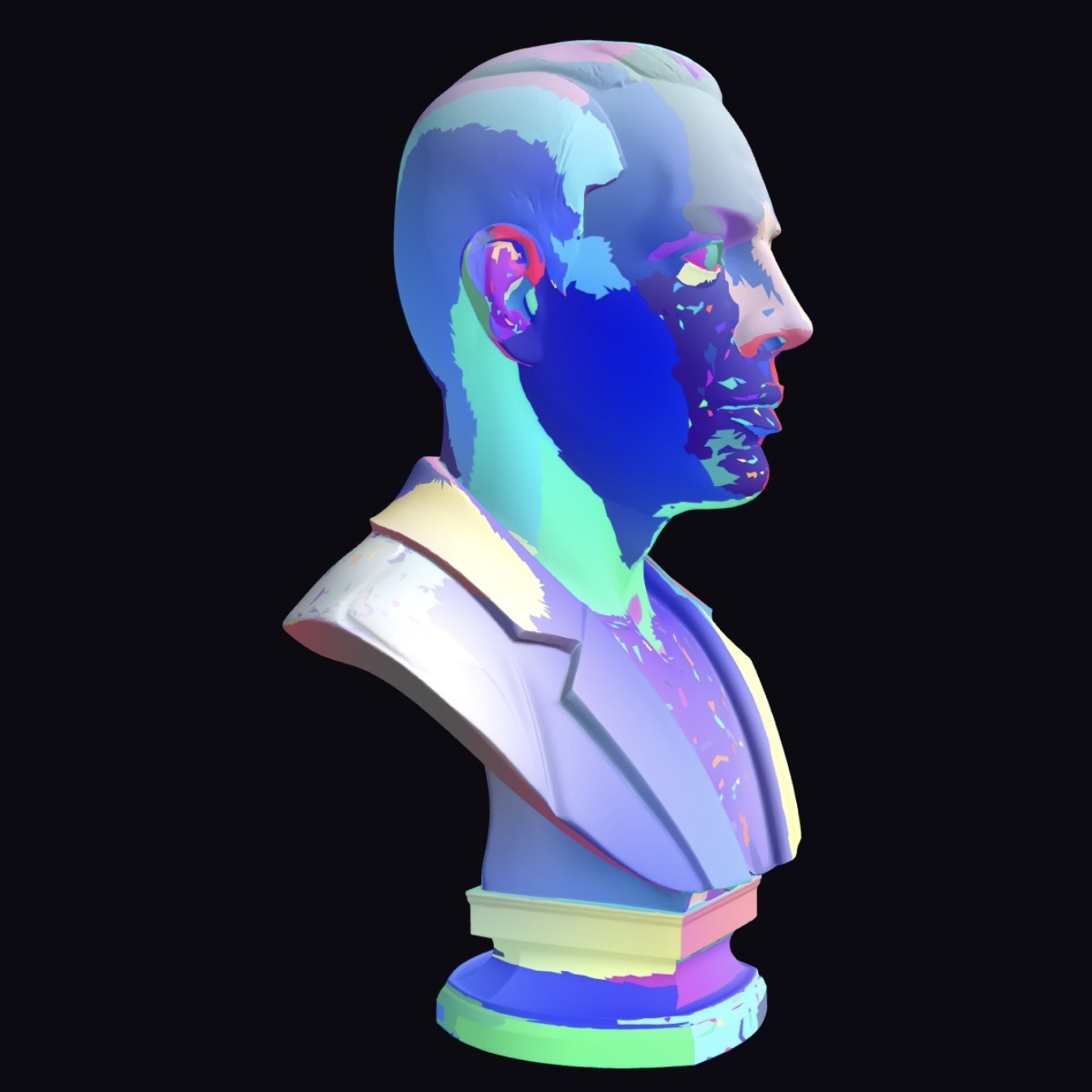
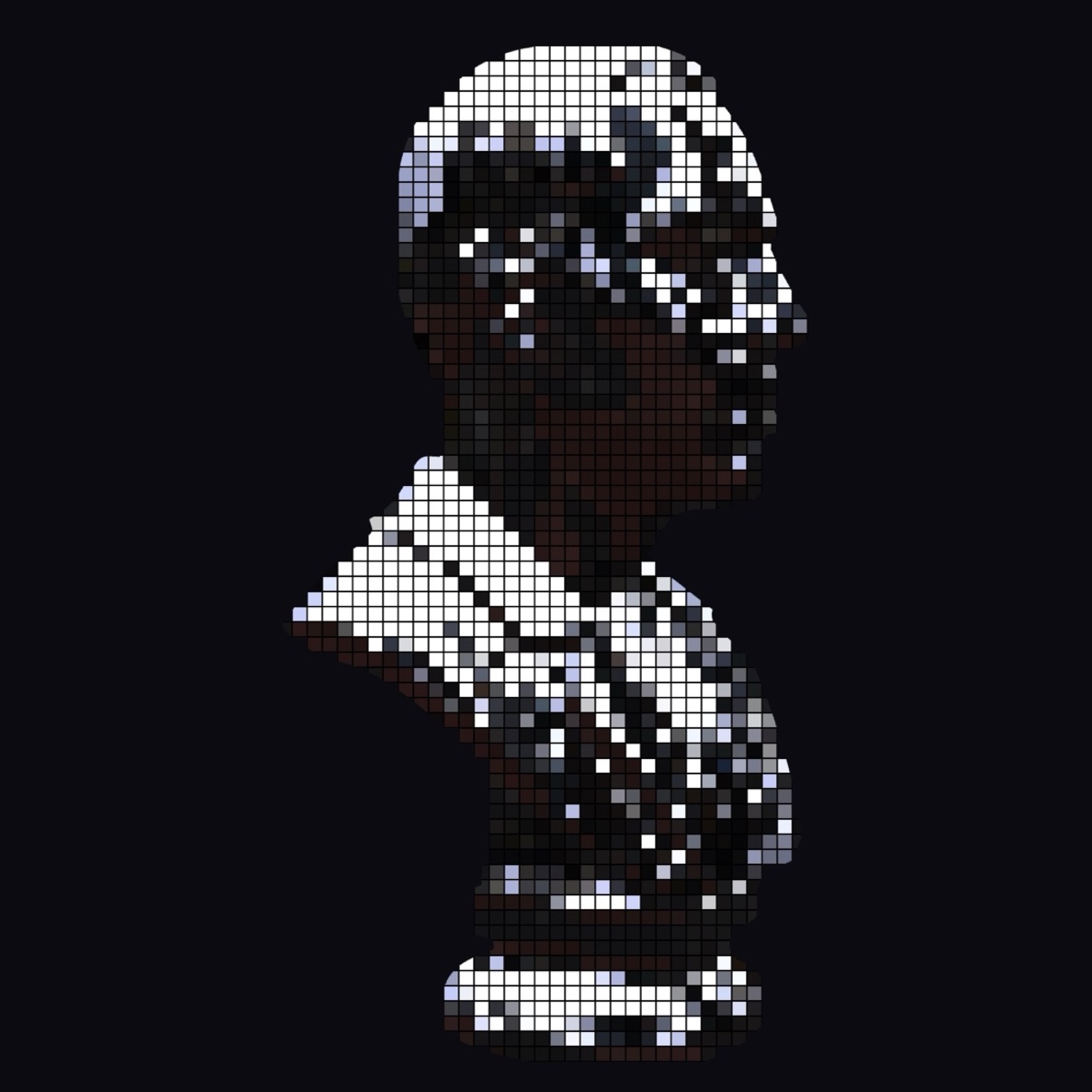
The Screen family alone gives one model many lives:

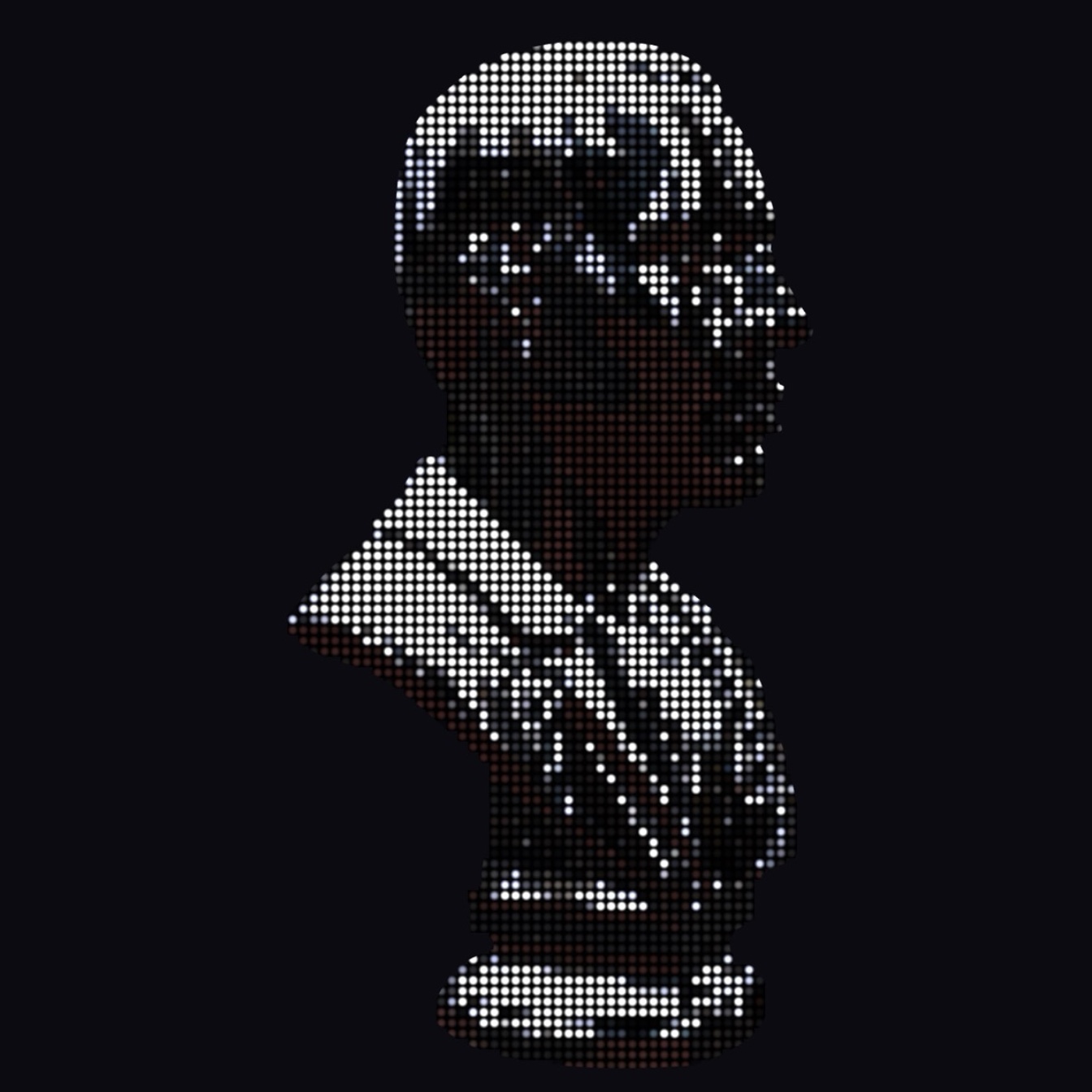
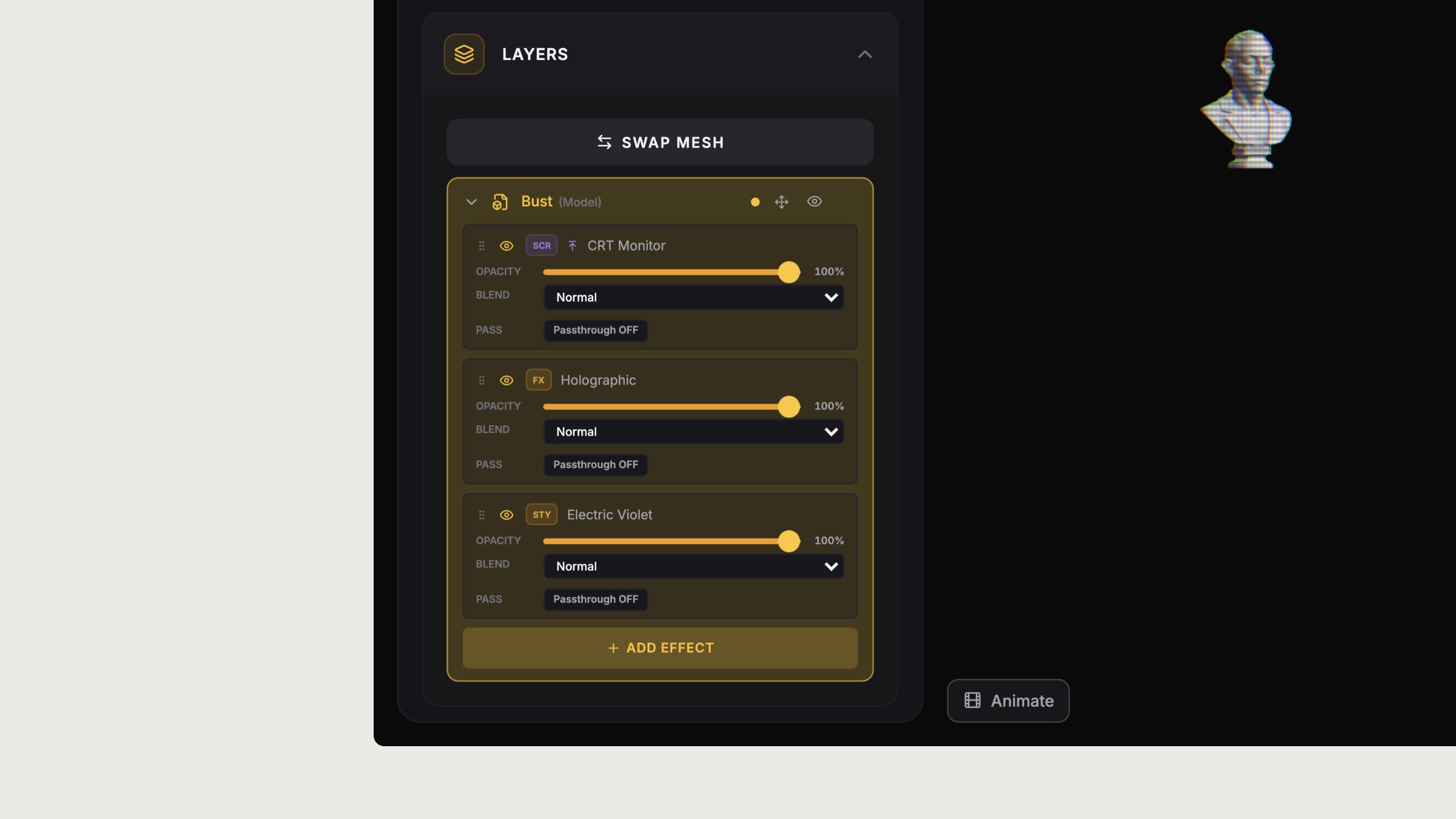
Layers are real, not an interface trick. ShaderRender renders each shader pass into its own off-screen frame buffer, then composites them. Every layer has its own uniforms, opacity, blend mode and order, and every object in a scene can carry a different stack.
Design and animate
Design mode is where I build: meshes, materials, shader controls and composition. Animate mode works on the same objects, so nothing gets rebuilt. It adds keyframes, cameras, lights, spline paths, work areas, playback speed and loops, and the timeline can animate shader values as easily as position.
Under the hood
I built the editor in React with React Three Fiber and Three.js. One Zustand store holds the scene, shaders, animation and export state. GLB and GLTF files join the same scene graph as generated models and built-in shapes.
The AI layer reads a written direction, picks the right shader family and checks the generated code before it touches the scene. It doesn’t replace the editor. Whatever it makes still shows up as normal controls and layers that you can keep shaping.
Where it is now
The live beta handles scene building, shader work, animation, saved creations, share links, and image, shader, model and video export.
The part I’m still working on is the production embed. A shared scene runs through ShaderRender today, but self-hosted export and an independent runtime need more work. My next goal is to make the path from the editor to a real website as dependable as the editor itself.
Outcome
- Launched a live browser-based beta at shaderrender.com.
- Built one editor for shader design, scene composition, animation, sharing and export.